© 2026 Saad Web Designer | All Rights Reserved


Brooklyn, NYC
Portfolio Website Design NYC: What Creatives & Professionals Need
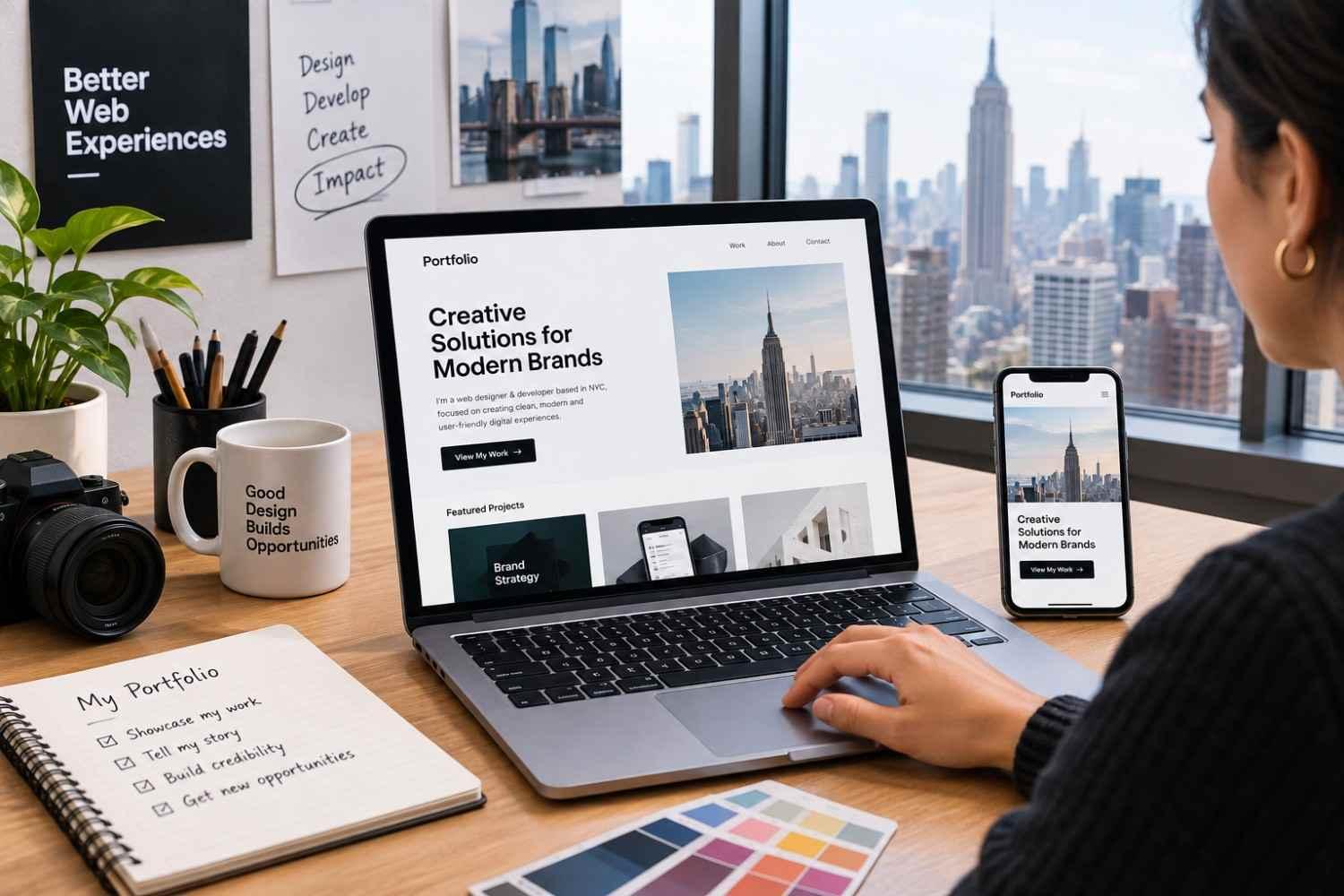
Creatives and professionals need an attractive Portfolio Website Design in NYC with a clean, distraction-free layout that centralises their work and makes it clear, while resonating with fast-paced local clients and employers. It should combine visual representation with usability. It matters because it makes your work easy to understand and your credibility easy to recognise. The principles in the guide below can help you plan a portfolio website that can work anywhere.
Who Needs a Portfolio Website?
A professional portfolio website becomes mandatory when your work, skills, experience, and professional results need to come to the forefront as proof rather than only described or talked about. Who needs a portfolio website? A list of various professionals is shown below:
● Graphic and web designers
● UX/UI designers
● Photographers and videographers
● Architects and interior designers
● Illustrators and artists
● Writers and creative directors
● Developers and digital specialists
● Freelancers and agency owners
● Consultants and independent professionals
● Students and recent graduates building an online portfolio
For example, for creatives, the site has to be designed as a creative portfolio. On this website, the UX designer will focus on research, wireframes, prototypes, and design decisions. If the professional is a photographer, the website will comprise an image gallery. A consultant or developer may need more emphasis on outcomes, expertise, testimonials, and case study pages.
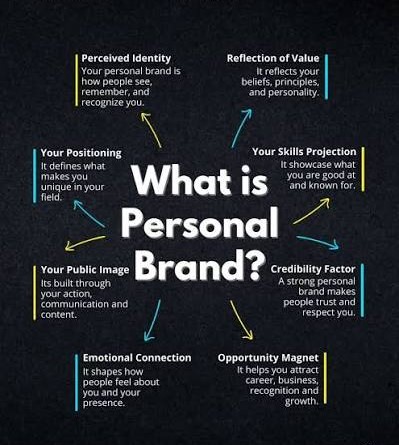
The main purpose of developing a portfolio website is to show the real evidence that is described in professional claims. If constructed strategically, it can become your personal branding website that will show visitors the continuity in who you are, what your specialisations are, and what type of work you want next without any breaks.
The Ideal Portfolio Structure
A Professional Portfolio Website can make it easier for unaware users to understand your business. The following questions must be clearly answered to avoid confusion:
● Who are you?
● What kind of work do you do?
● How can someone work with or contact you?
A typical structure of a portfolio website may include:
| Page/Section | Purpose |
|---|---|
| Home | Introduce your role, specialty, and strongest work. |
| Work/Portfolio | Present selected projects. |
| Individual Project Pages | Explain the work in greater depth. |
| About | Provide background, expertise, and personality. |
| Services | Clarify what you offer, where relevant. |
| Testimonials | Provide third-party credibility. |
| Contact | Give visitors a clear next step. |
Make sure that the homepage provides a summary of your career, not full descriptions. It should only provide an introduction to your business and guide the user to the relevant and required next page. For example, a freelance UX Web Designer in New York might start the homepage with a concise positioning statement, show three carefully featured projects, state the relevant experience, add one or two testimonials, and end with a compelling CTA. A portfolio layout must be crafted the way visitors need it instead of mentioning it in the order it has been completed.
Choose quality over quantity
Never overcomplicate your website with more irrelevant and unnecessary projects that are not useful. Instead, showcase high-quality and professionally completed projects, whether there are three or six. Choose and share projects that state your work quality and demonstrate multiple strengths, such as:
● A challenging project
● A recognizable type of client or industry
● A project showing your process
● Work demonstrating technical ability
● A project that reflects the type of work you want more often
In other words, your portfolio should be proof of your current projects rather than including things from the beginning of your career.
How to Present Projects and Case Studies
Use thumbnails to attract customers, but craft a detailed project page to show why it matters. Every project should include:
The context: Explain the client, organisation, product, or project concisely. If you are not allowed to state their name, only describe the project without showing the protected information.
The problem: What did the project need to solve?
For example, the UX Web Designer in NYC could state that users made efforts to find a certain feature.
Your role: Tell exactly what you actually helped with. If the project had a team, then differentiate your efforts from other team members.
The process: Show every stage that was included in the project, such as research, strategy, wireframes, prototypes, design iterations, development, testing, or implementation.
The final solution: Use compelling images and visual evidence with clear and authentic descriptions so that users know what they are looking at. Only screenshots won’t help, as context provides relevant history and evidence of what the designer has done.
The outcome: Where verified information is available, describe the result. This could be a completed launch, improved workflow, successful implementation, or another measurable outcome. Like this, you can transform your portfolio of images into a collection of stories.
For a visual professional, this technique becomes beneficial by offering visual storytelling. Images communicate the visual quality, and the written context tells the story behind those images.
Personal Branding and Credibility
A Personal Branding Website should reflect its owner. Personal branding is way beyond adding a logo or choosing a specific colour theme. Everything from typography, photography, writing style, project selection, layout, and even the way you describe your process relates to overall website capability. A useful personal brand website should answer the following:
● What do you specialize in?
● Who do you want to work with?
● What makes your approach distinctive?
● What type of work should visitors associate with you?
A Portfolio Website Designer in New York can design a refined professional identity for a regional creative who wants to attract NYC customers. If it is for a professional, they can use the website to share their expertise and experience that they can’t achieve through their resume.
Use testimonials carefully
Testimonials can provide proof of designers’ credibility, especially when it is linked to clients’ relationship to the project and describes a specific experience. Real and credible testimonials are beneficial rather than mentioning generic filler such as “Great Work”. Other elements that contribute to credibility are:
● Relevant qualifications
● Professional memberships
● Awards or publications
● Speaking or teaching experience
● Detailed case studies
● Links to relevant professional profiles
● Recognizable clients, where permission exists
Only include verifiable claims.
Portfolio UX on Mobile
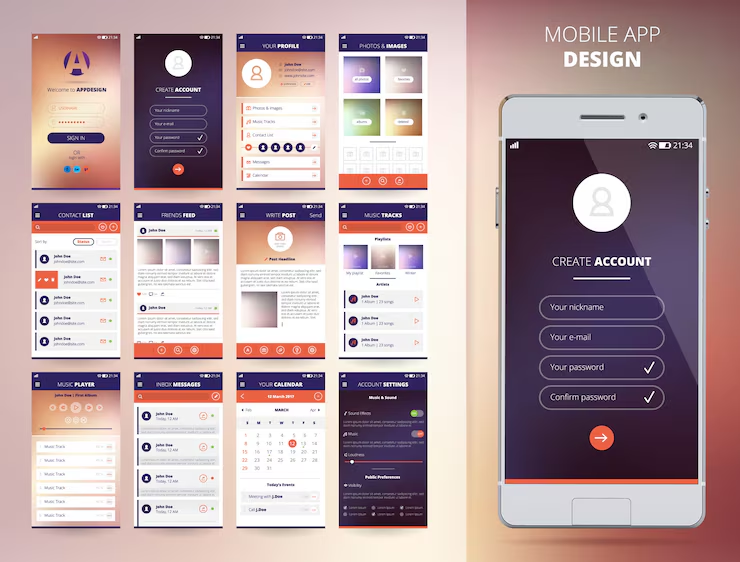
A portfolio can look great on desktops but can be disruptive on a mobile device. Mobile visitors should be able to navigate projects, read text, view images, and contact you without excessive zooming, horizontal scrolling, or difficult tap targets. W3C guidance specifically addresses responsive layouts, readability, navigation, forms, contrast, and different viewport sizes as important accessibility considerations.
A responsive portfolio must be checked on multiple screen sizes instead of visually reducing it. To check responsiveness, go through:
● Navigation menus
● Project galleries
● Image cropping
● Typography
● Buttons and links
● Contact forms
● Embedded videos
● Page-loading behavior
● Case-study tables or diagrams
For additional practical ways, read How to Design a Website That Works Perfectly: 27 Research-Backed Design Tips if you need to review hierarchy, typography, imagery, navigation, forms, and performance. Working on creativity doesn’t mean you will achieve the best interaction and design. Only add animation, video, hover effects, and unusual navigation when they actually support your website and its content. But adding them unnecessarily can cause visitors to struggle to find the relevant information or make the website slower.
Portfolio SEO Basics
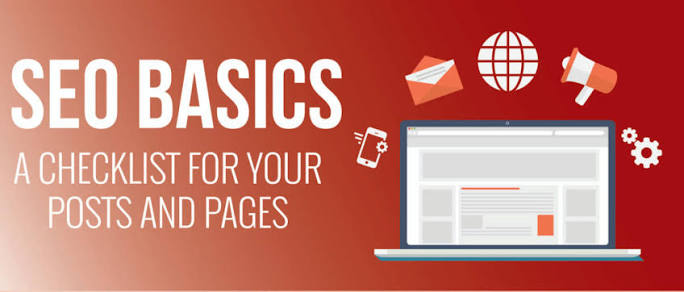
A portfolio is crafted to be visually seen. A basic portfolio needs SEO from the beginning of development because each page must be easy to understand by both visitors and search engines.
To know how to design a professional portfolio website with basic SEO, implement the following:
Use descriptive page titles
Avoid using generic titles such as “Work” or “Projects”; use valuable titles that can explain the page and its subject.
For example:
"Brand Identity Project | Jane Smith"
can provide more context than:
"Project 1"
Craft useful project URLs
They should be short and descriptive, letting the visitor know what they will actually find on it.
Write meaningful project descriptions
Search engines use text to crawl and understand web pages. If the portfolio only has images and no text, then it would be hard to find. Describe the project, your role, relevant services, process, and outcome naturally.
Optimise images
The portfolio websites mostly contain large-sized images. The Web Designer in NYC provides a website with compressed images while taking care of the original quality so that visitors can easily view your work. To make them visible online, use descriptive filenames and relevant alt text where needed. Alt text describes the image or the function the image is showing instead of repeating the same keyword.
Individual project pages must be crafted
Rather than uploading all the projects on one page in a single gallery, dedicate each page to every project. Like this, you will gain more room to explain your expertise and experience, originally.
Make important content crawlable
The most important and crawlable content must include your name, profession, services, project descriptions, and contact information. This information must be accessible instead of being hidden inside multiple pages or displayed as an inaccessible interactive component.
Common Portfolio Mistakes
Portfolio website design mistakes are mostly not visual but are communication problems.
Showing everything: showing all projects can reduce your expertise and credibility. Only show the projects that show your professional goals.
Making the homepage too mysterious: creativity is good. But make sure visitors can easily understand who you are and what you do.
Writing no project context: a gallery is only useful for visual display showing what your work quality is, but only the written context can explain it and how you think.
Hiding the contact option: the visitors shouldn’t struggle to reach you. Always display a clear contact CTA visibly.
Ignoring accessibility: Small text, weak contrast, keyboard-navigation problems, missing form labels, or inaccessible interactive elements can make a portfolio harder to use. W3C recommends clear navigation, identifiable interactive elements, sufficient contrast, structured headings, and designs that accommodate different viewport sizes.
Conclusion
A Portfolio Website Design in NYC is way beyond crafting image galleries. Whether the website is for creatives or for other professionals, start with the target audience and display the work that you want the visitors to be attracted to. Select the relevant and strongest projects, explain your expertise and contribution in it, make important work accessible and visible, and ensure the site works flawlessly on smartphones. If someone needs to craft a portfolio website design in NYC, focus on three things: make the work easily seen, make thinking easy to understand, and next step easy to take.
FAQ's
What must a professional portfolio website include?
+How many projects should I upload in my online portfolio?
+Is a case study important for every project?
+Is a highly interactive interface required for a portfolio website?
+Is responsive design necessary for personal portfolio web design in New York?
+