
© 2026 Saad Web Designer | All Rights Reserved


Brooklyn, NYC
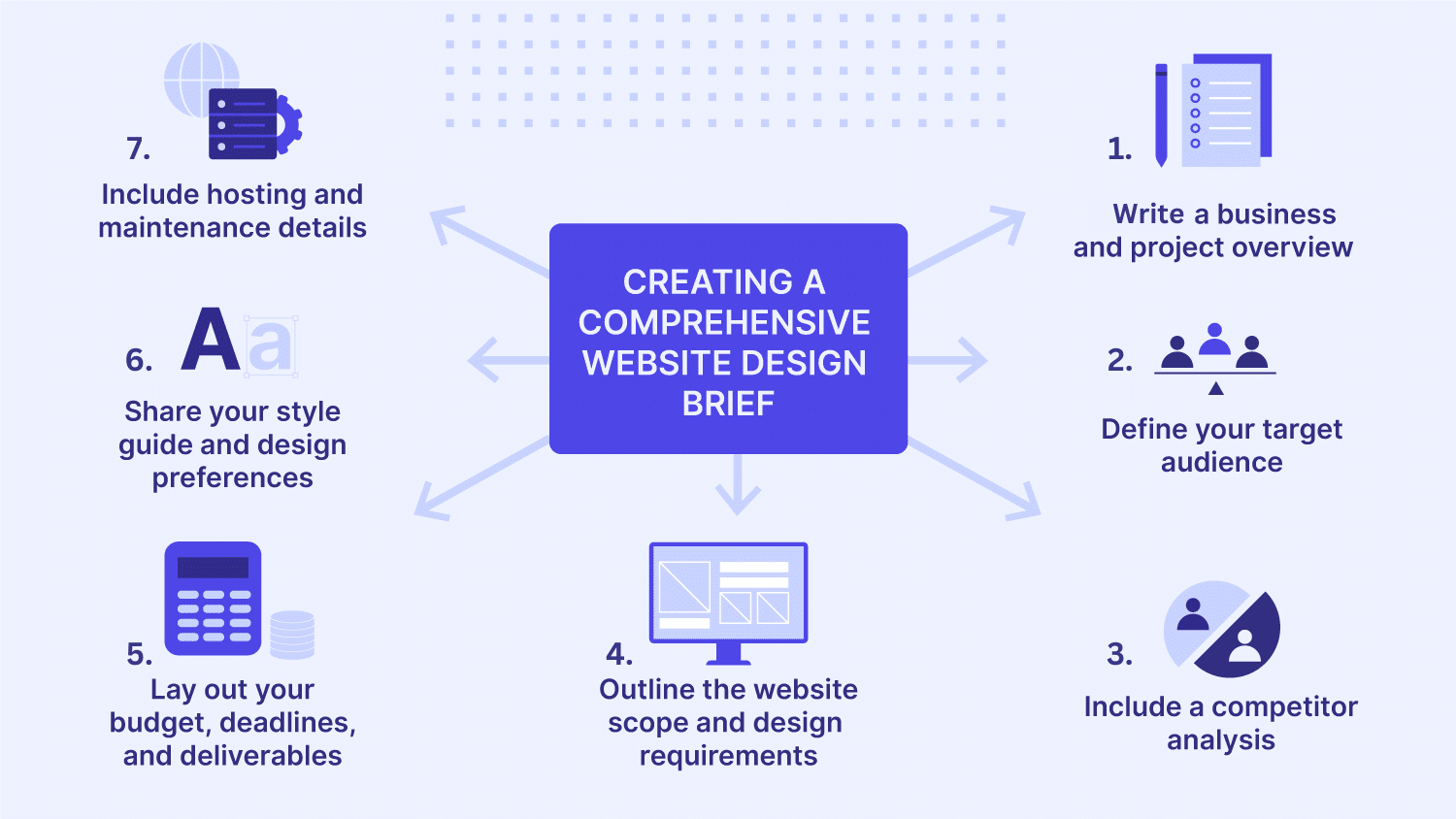
NYC Small Business Website Project Brief Template: What to Give Your Web Designer
A Website Launch Checklist for NYC businesses includes 20 things before going live, on which your business itself depends: navigation, forms, usability, performance, SEO, accessibility, security, analytics, and contact information. This is because a website should not only look polished but also provide a high-quality experience for visitors to come. Go through the following explained 20 checks explained below before you change your domain, remove staging restrictions, or publish a new website.
Expertise and Experience of Saad Web Designer
Saad offers affordable and qualified web design and development in New York. He creates websites that provide high value to companies on the digital platform. For example, his project for Anglo Corporation, a professional shipping company specializing in global cargo transportation and logistics solutions. The company needed to have a website that clearly defines its shipping services while enhancing trust with international clients.
Saad faced several issues related to design structure, performance, and user experience. He had to make the shipping and logistics details as easy to understand for clients as possible. The web design needed to have a responsive layout with fast speed and smooth performance. Saad accepted the challenge and provided a website with a clean layout, responsive structure, and easy navigation to improve user experience across all devices. The improved design made services easy to understand, provided clear company information, and made it easy to contact the company.
Check Every Page and Navigation Link
To check it, click through every page as a first-time visitor would. Things to check are:
● Footer links
● Buttons and calls to action
● Logo links
● Breadcrumbs
● Breadcrumbs
● Social media links
● Downloadable files
● Links to external websites
● Main navigation and dropdown menus
Identify possible errors such as 404 pages, incorrect destinations, placeholder links, and links that open unexpectedly in a new tab. For small NYC businesses, testing important paths is necessary that are: Home → Services → Contact and Home → Location/Service Area → Contact. The visitor shouldn’t have to make an effort to search for the business’s contact information.
Test Contact Forms and Lead Notifications
Contact forms are built to deliver messages to the company, but if they fail to perform, that’s a big issue. To check a contact form, submit an enquiry using a real email address and confirm:
● The form accepts valid information.
● Required fields work correctly.
● The visitor sees a useful confirmation message.
● The business receives the submission.
● The confirmation or notification email reaches the intended inbox.
● Error messages appear when information is missing or invalid.
If the website has other things too, such as booking forms, appointments, newsletter forms, quotation forms, they should be checked separately. If the form is working perfectly from the developer’s end, that doesn't mean it is effective. Before launch, check the form again in the production environment.
Test the Website on Mobile
Real mobile testing should be included in the website testing checklist rather than depending on just a desktop browser window. Look for the following factors on all types of real mobile phones with different screen sizes:
● Unreadable texts
● Too small buttons
● Unmanageable horizontal scrolling
● Overlapping elements
● Pop-ups that have important content
● Forms that are difficult to complete
● Menus that don’t open and close properly
Pay special attention to the Home page and Contact page. A visitor must easily find your company’s information and can contact you efficiently without struggling.
Test Major Browsers
Test your website in major browsers with their latest versions. Only getting it checked from the browser it was developed in is not enough. The major browsers are as follows:
● Chrome
● Safari
● Edge
● Firefox
No need to check every page manually in every browser. Just test the important ones, such as pages that generate enquiries, sales, bookings, or important information. Apart from appearance, check other elements too, including menus, forms, videos, animations, buttons, payment functions, and other interactive features.
Check Page Speed and Core Web Vitals
Check performance particularly on mobile connections. Google’s Core Web Vitals emphasize website responsiveness, performance, and visual stability. The current metrics are Largest Contentful Paint (LCP), Interaction to Next Paint (INP), and Cumulative Layout Shift (CLS). Google's recommended "good" thresholds are LCP within 2.5 seconds, INP of 200 milliseconds or less, and CLS of 0.1 or less at the 75th percentile.
https://web.dev/articles/defining-core-web-vitals-th.resholds
The issues related to speed and performance can be checked through tools like PageSpeed Insights or Chrome DevTools. The usual issues can be:
● Oversized images
● Excessive JavaScript
● Unnecessary plugins
● Poorly optimized fonts
● Third-party scripts
● Slow hosting or server response
● Layout shifts caused by images or advertisements
Do not run for a perfect score to get the best usability. Instead, focus on meaningful performance that affects real visitors.
Test Images, Videos, and Other Media
Open every important page and check the speed of visual content. Confirm that:
● Large images have been compressed.
● No images are missing.
● Videos play correctly.
● Video controls work where applicable.
● Captions or alternatives are provided when appropriate.
● Image descriptions are meaningful where alt text is needed.
● Images are sharp enough for their intended display size.
To upload images, avoid generic filenames like “IMG_4837.jpg”; instead, use descriptive names that are easier to understand and manage. Working with a Freelance Web Designer in New York will help you optimise images, animations, and videos that can work perfectly without compromising the loading speed.
Check Accessibility
Accessibility should be a part of the Website Pre-launch Checklist instead of testing it after the launch. WCAG 2.2 provides an established framework covering areas such as perceivable, operable, understandable, and robust web content.
https://www.w3.org/TR/WCAG22/
At least check the following elements:
● Keyboard navigation
● Visible keyboard focus
● Form labels
● Heading structure
● Image alternatives
● Text contrast
● Link clarity
● Button labels
● Error messages
● Video captions where needed
Try using a keyboard to navigate the website. If it is difficult to reach menus, buttons, forms, or other interactive elements, check the issue before launch. Accessibility can be checked through automatic tools, but that can’t replace the effective results of manual testing.
Assess Content of Every Web Page
Assess every page from a new visitor’s perspective. Check for:
● Business name
● Services
● Service descriptions
● Prices, if published
● Locations served
● Opening hours
● Phone number
● Email address
● Calls to action
● Team information
● Testimonials
● Legal or policy information
Remove any sample phone numbers, dummy reviews, and unfinished headings before launch. NYC businesses need to check neighbourhoods, service areas, or physical locations to be accurate.
Check Page Titles and Meta Descriptions
If you want the web page to get indexed, make sure its title and meta description are useful and clear. Analyse them by following these checks:
● Titles accurately describe their pages.
● Important pages have unique titles.
● Descriptions accurately summarize the content.
● Titles are written for people rather than stuffed with keywords.
● The homepage clearly identifies the business and its offering.
NYC is not important to insert in every heading. Just insert it where it is relevant for the user.
Go Through Headings and On-page SEO
Every type of heading structure is important to check, from H1 to H2 and H3. A logical page hierarchy must be established on each page so that visitors can easily understand the content. Check the things mentioned below:
1. Missing primary heading
2. Multiple accidental H1s
3. Empty headings
4. Headings used only for visual styling
5. Repeated headings
6. Important content hidden inside images
Recheck internal links that can connect one page to another and are simple and crawlable. They shouldn’t be separated from the whole structure.
Verify Indexing and Crawl Settings
Don’t let your website be configured as a private staging site. Check the following:
1. noindex settings
2. robots.txt
3. XML sitemap
4. Canonical URLs
5. Crawlable internal links
6. Search engine visibility settings in the CMS
Google says that a “noindex” web page stops an accessible page from being visible in search engines, whereas “robots.txt” controls the crawler instead of removing the page from search engines. This distinction matters. If a staging site was intentionally blocked from indexing, make sure the production configuration has been reviewed before launch.
https://developers.google.com/search/docs/crawling-indexing/block-indexing
Review Canonical URLs and Sitemap
Canonicalization helps search engines to identify the primary and most important version of web pages when similar URLs exist. Google also recommends using the preferred canonical URLs consistently across relevant signals.
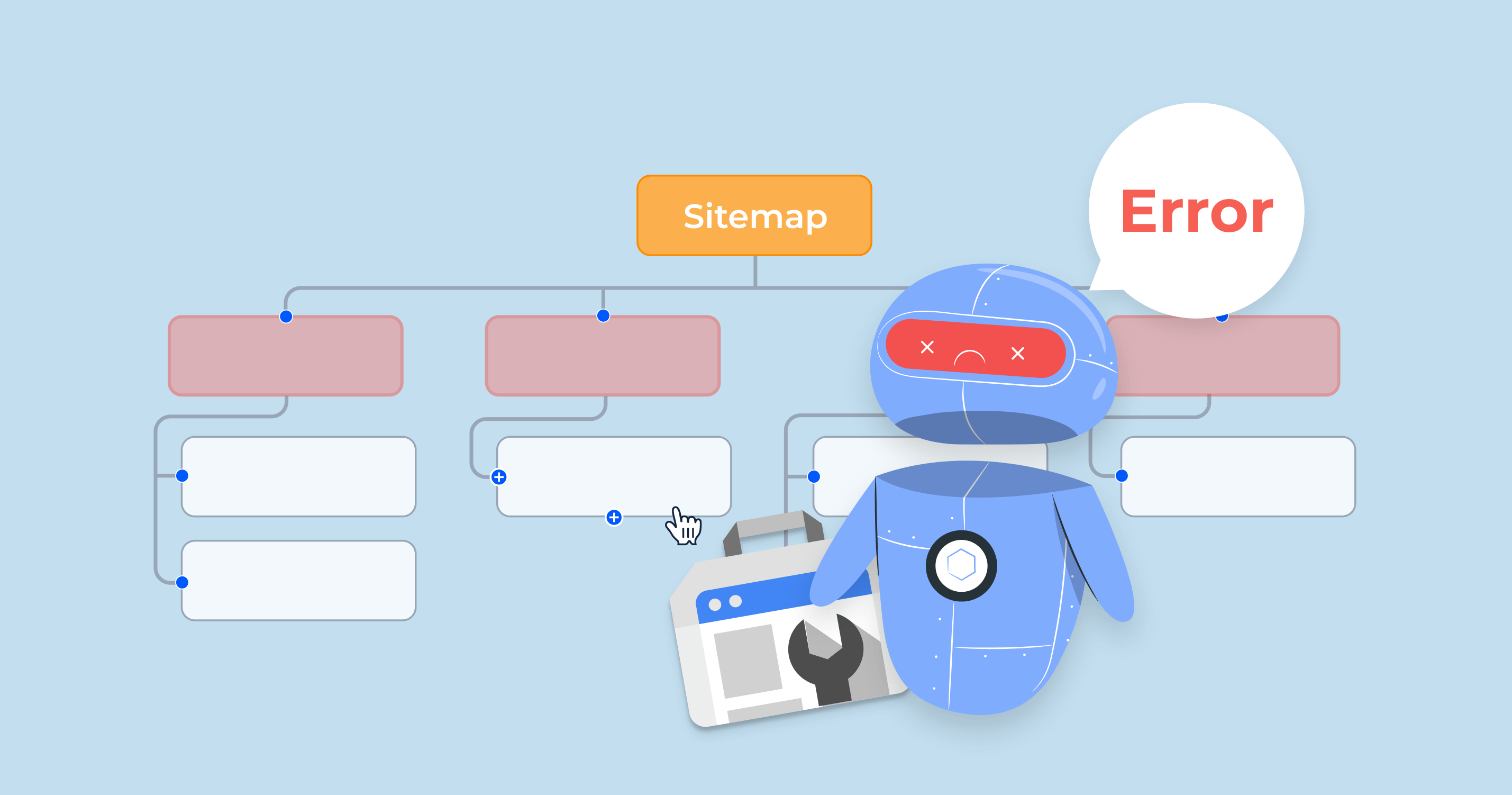
Then review the XML sitemap. It must contain the URLs you actually want the search engines to find and index. Google recommends using fully qualified URLs in sitemaps and generally placing the sitemap at the site's root.
Test HTTPS and Security
Open the production website using HTTPS and check that the certificate works correctly. Check:
● HTTP-to-HTTPS redirects
● Secure form submissions
● No mixed-content warnings
● Updated CMS and plugins
● Strong administrator passwords
● Appropriate user permissions
● Reliable backups
● HTTPS loading without certificate warnings
The security of the website is based on its complexity. For example, a brochure website has different security requirements compared to an e-commerce website.
Test 404 Pages and Redirects
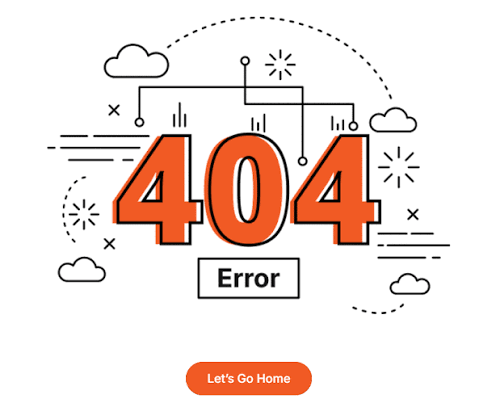
Type an intentionally false URL and see how the 404 page behaves. If the page is a useful 404 page, it will help recover rather than leaving visitors empty-handed. Consider including links to the homepage, important services, or site navigation. If you develop a new website recovering from an old one, test the redirects from important old URLs to their new position. This is important when URLs change during a redesign. Do not redirect every old URL automatically to the homepage. The destination should make sense for the original content.
Test Call to Actions
Figure out the most important action you want visitors to take. According to the type of business, it can be:
● Call the business
● Call the business
● Book an appointment
● Schedule a consultation
● Purchase a product
● Visit a physical location
● Send an email
Test every important CTA. If you are placing a button “Get Started”, it should actually take the visitor to a useful destination. If a mobile number is mentioned, test it on every mobile device. If the email address is linked, then make sure it opens in the original email application.
Verify Local Business Information
NYC businesses should implement local business information on their websites because it helps customers decide whether they can only contact the company or visit too. The website should consistently display:
1. Business name
2. Address
3. Phone number
3. Business hours
4. Service areas
5. Contact details
If the business expands to various locations, make sure each location consists of real information. Also check map embeds and directions links if they are used. A customer should not be sent to an outdated address.
Testing Analytics and Conversion Tracking is important
Analytics is prioritised before launch because the customers visiting your website shouldn’t be missed in the measurements. Check if the intended analytics platform is receiving visits and important conversions are being recorded. According to the type of website, check:
● Contact form submissions
● Phone-link clicks
● Booking completions
● Purchases
● Newsletter sign-ups
● Important button clicks
It doesn’t matter if the tracking code is mentioned. Don’t rely on it. An actual test must be conducted and recorded effectively.
Check Search Console and Sitemap Submission
Once the production site is ready, connect or verify the appropriate Google Search Console property. Google's documentation recommends using Search Console to review indexing information and notes that submitting a sitemap can help Google discover a site's URLs more efficiently.
https://developers.google.com/search/docs/crawling-indexing/sitemaps/build-sitemap
For new websites, it provides a useful baseline to check:
● Indexing problems
● Search queries
● Impressions
● Clicks
● Page performance
● Sitemap status
Submitting a sitemap doesn’t mean you will get immediate indexing. Google states that sitemaps are discovery suggestions, not guarantees that every URL will be crawled or indexed immediately.
Check Ownership, Backups, and Handover
Before launching the website, make sure to clarify who will own the important assets of the website. The business owner should know where the appropriate:
● Domain registration is managed
● Hosting is managed
● CMS access is stored
● Website backups are maintained
● Analytics access is available
● Search Console access is available
● Business email is managed
● Third-party subscriptions are controlled
It is most important for those types of businesses that work with different designers and developers over time. A website is easy to maintain when the owner is not dependent on one private person’s account for important access.
Creating a Post-launch Monitoring Plan is Important
Launching is not the end. The website should be monitored for the first few days for the following factors:
● Contact form submissions
● Phone enquiries
● Analytics
● Search Console
● Broken links
● Server uptime
● Page speed
● Customer-reported problems
● Important integrations
Check the website immediately after launch and also when it receives visitors. Some problems come to light when real users experience the real website. For ongoing updates, security checks, backups, content changes, and technical maintenance, businesses can also review guidance on Website Maintenance for NYC Businesses.
What Qualities Make a Website Ready to Launch
Launch a website when it effectively solves users’ problems and delivers a smooth user journey, not only when the design is complete. Before your website goes live, make sure to answer the following questions with a “yes”:
● Can a visitor find the right information?
● Can they contact or buy from the business?
● Does the site work on mobile?
● Can search engines access the intended pages?
● Are important SEO settings correct?
● Is the site reasonably fast?
● Are accessibility issues being addressed?
● Is analytics working?
● Does the business control its domain and website accounts?
● Is there a plan for monitoring after launch?
If the answers are mostly “no”, then you have to consider a website QA checklist for NYC businesses.
What Common Pre-launch Mistakes Businesses Must Avoid
The most common mistakes are not usually technical but small insights that are overlooked and become obvious when real users visit. They include:
Launching with placeholder content
A single unfinished paragraph can make a website look incomplete.
Testing only on developers’ computers
Visitors can visit the website through multiple types of phones and browsers, using different internet speeds and accessibility tools.
Forgetting staging settings
Launch settings must be checked. A site can unintentionally get blocked if the settings are not reviewed.
Checking forms without checking delivery
Getting a “Thank you” message doesn’t mean that the business has received the enquiry.
Ignoring old URLs
A redesign can create broken links when existing pages are renamed or removed.
Treating speed as the final performance
Capture real user performance apart from lab testing.
Not performing post-launch checks
A site can behave differently after DNS changes, production integrations, caching, or real traffic are introduced.
Conclusion
A website launch check is not only necessary when a new website becomes public, but it should be done frequently to check the quality. The Website Launch Checklist in NYC is used to test the areas that can most likely affect visitors, enquiries, search visibility, and day-to-day website management. Checking technical functionality, actions, important pages, and business information is better before the website is launched.
FAQ's
Who is responsible for performing the website QA checklist before launch?
+Should a business owner approve the website before it is launched?
+What should I do if problems arise immediately after the launch of the website?
+Can I get my website reviewed by someone outside the development team?
+How many times should a website repeat its QA after launch?
+